How do I close Infusion using Windows Task Manager?
Solution
From the Processes tab locate and select ibsapp.exe*32
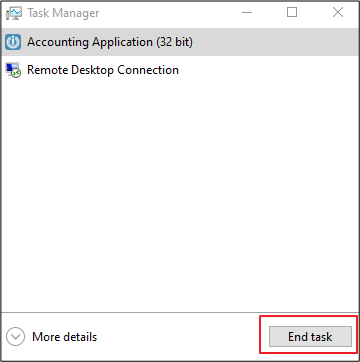
Select End Task
How do I close Infusion using Windows Task Manager?
From the Processes tab locate and select ibsapp.exe*32
Select End Task
Comments
0 comments
Please sign in to leave a comment.