The Menu Manager controls the various menus that make up the Webstore website.
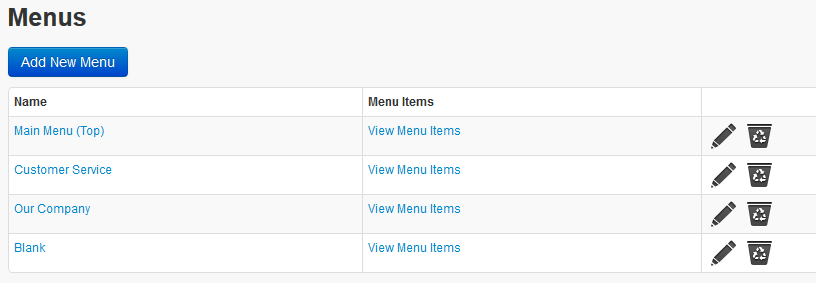
To view the pages contained within each Menu click on View Menu Items.
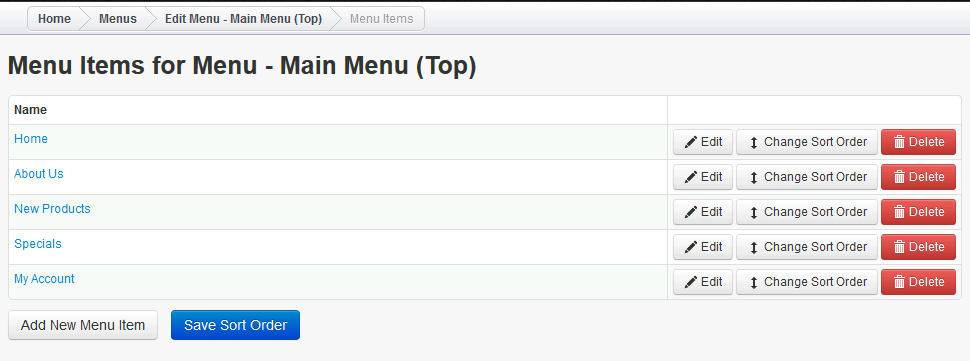
Using the Edit button you can change the details that appear for each of these tabs. Adding New Menu Items will add new tabs along the top of the screen.
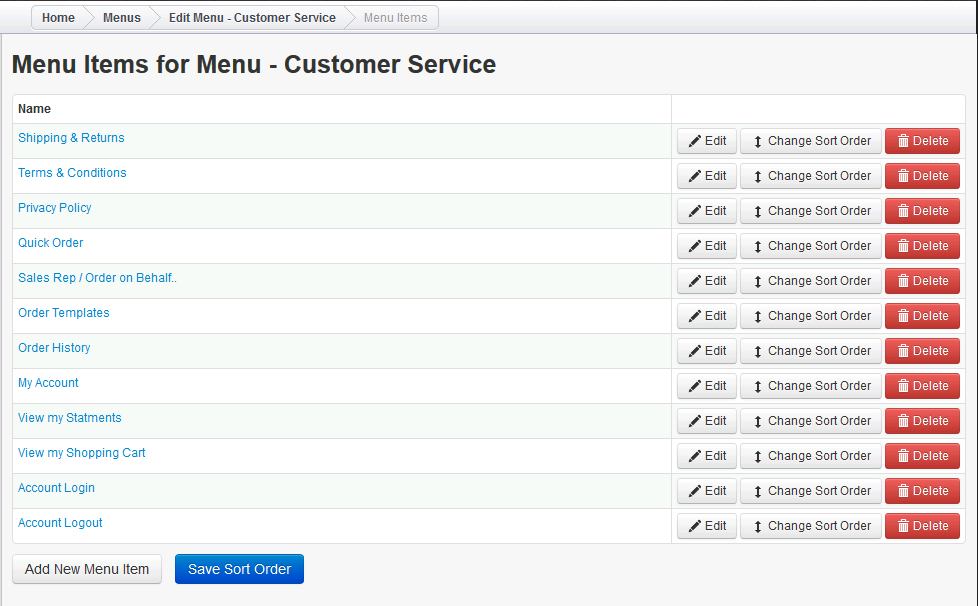
The Customer Service menu is for Items that appear along the bottom of the screen and when Customers complete the order.
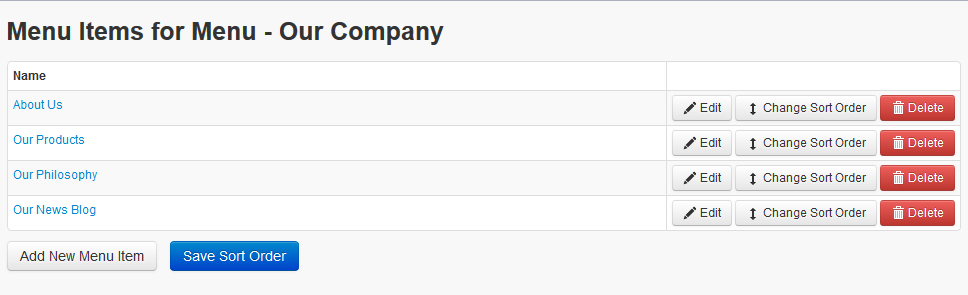
The Our Company menu sits at the bottom of the screen and contains the information about your company and your products.
Comments
0 comments
Please sign in to leave a comment.