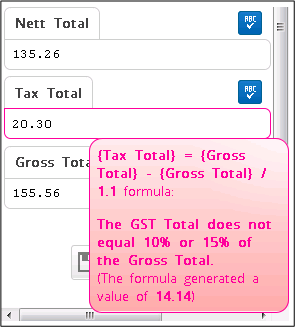
While importing an invoice I am getting a warning on my GST but it is correct - what is happening?
Solution
Sometimes it is necessary to override or ignore the GST that Xtracta calculates. In the case above the GST was correct and matched the Suppliers Invoice.
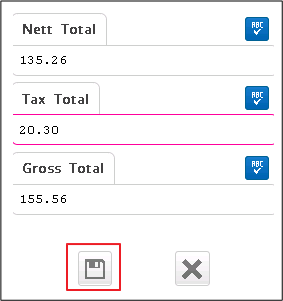
When the "Save and Close" button was selected there was no sign of the Ignore maths check soft validation until pressed twice.
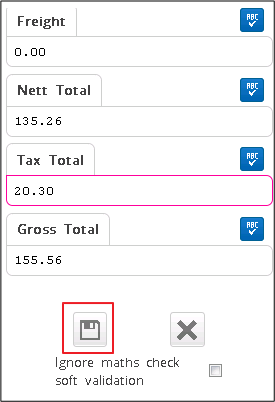
Once this tick box has been checked you are free to import this Invoice into Infusion.
Comments
0 comments
Please sign in to leave a comment.