How can I check to see what SMS's or text messages have been sent?
Solution
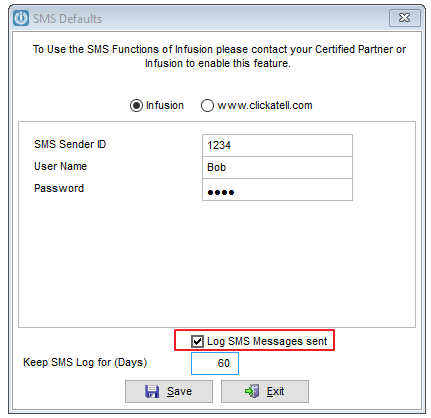
From the Admin / Defaults / SMS Defaults menu the Log SMS Messages sent option needs to have been selected.
The SMS log report is under Admin / System Reports / SMS Audit Log
You can search by date range for the messages that have been sent. This is limited by the number of days you are keeping the SMS Log for (see the default above).
The report will detail Sent By, Mobile Number, Details from where the Message was sent (Admin, Customer, Job ID etc) and the message itself.
Comments
0 comments
Please sign in to leave a comment.