I want to send my report to Excel. How do I do that?
Solution
It is recommended that Users Preview the report first, from this screen you are able to save it by clicking on the Computer Diskette icon and the drop down as below appears.
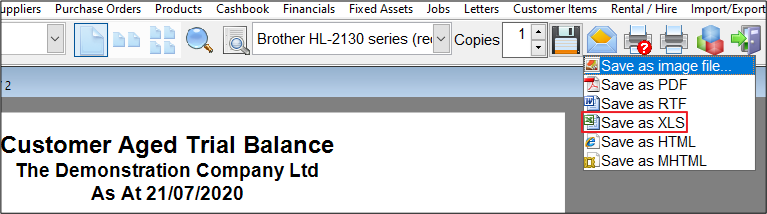
Once the file is open you can save it to the appropriate location.
The saved file is usable in Excel
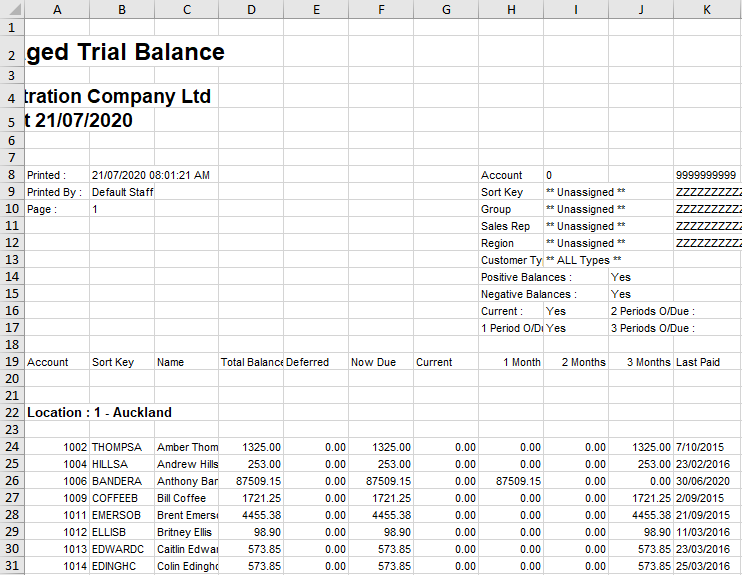
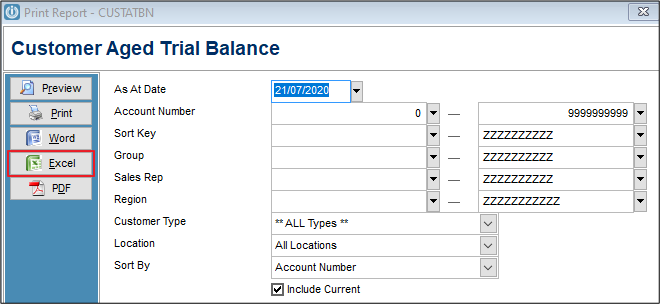
Using the Parameters Screen will export to Excel
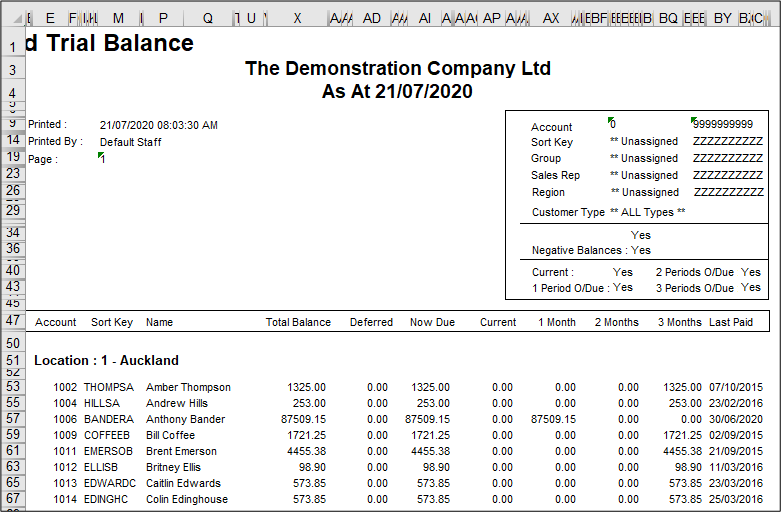
But the file will not open in the same format as if it is saved from inside the Preview Screen.
Hosted Server users
Users on the Hosted Server are not able to view Excel documents, but the file is still created. Navigate to the location that the report is saved to. Copy the document and paste onto your Local Computer. From there it can be opened or attached to emails.
Tip: Create a folder on your desktop for Infusion Reports so they are easy to find.
Comments
0 comments
Please sign in to leave a comment.