Error: 43
Module: STKPOSAUD
Line: 5
Message: There is not enough memory to complete this operation

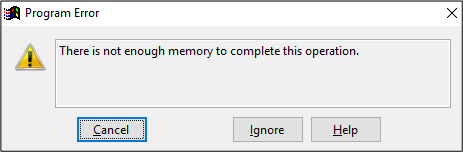
This error occurred on a Computer that had been upgraded from XP to Windows 10. Open Settings and About. Under Device Specifications - Processor Google the CPU to get an indication of the age of the Processor.
Check the RAM size as well, it needs to be 8 GB.
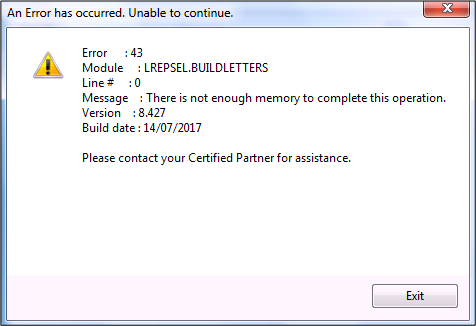
This error occurred when producing letters
In the first instance check to see if there are images in the letter and how they have been saved. See this article for creating letters.
Try running the letters in a smaller range
Open the Task Manager to see how much Memory (RAM) is free as the system may be low on memory.
Comments
0 comments
Please sign in to leave a comment.