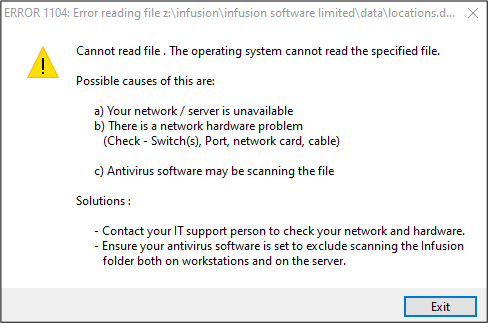
This error appears when :
a) Your network / server is unavailable
b) There is a network hardware problem (check - switch(s), Port, network card, cable)
c) Antivirus software may be scanning the file
Solutions:
Contact your IT Support to check you network and hardware.
Ensure your antivirus software is set to exclude scanning the Infusion folder both on workstations and on the server.
Please check other computers on the Server to ensure they are still connected, if they are not then restart the server.
If they are:
Check the plug from the computer to the server and to the router or server
Restart the Computer
If the computer is still not connected contact your IT Support.
Comments
0 comments
Please sign in to leave a comment.