Error 2091
File May be Corrupted - table identified in the top line of the error message.
The first step when receiving this message log all users out of Infusion, take a back up and then from the Admin Menu run the Check / Repair utility. If this repair finds any problems you need to contact your Certified Partner or Infusion Support on 0900 777 78. Repairing corrupt files is chargeable.
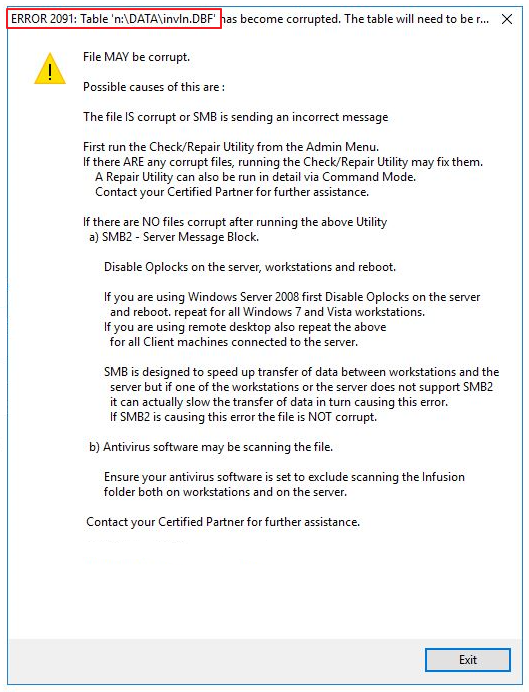
If there are no problems, check SMB2 settings (see Recommended Settings for Infusion) or your sure your Antivirus software is set to exclude scanning Infusion.
Comments
0 comments
Please sign in to leave a comment.