File access is denied Error 1705
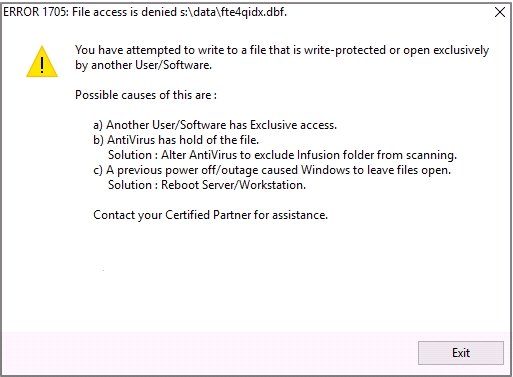
1) Check Infusion has been excluded from being scanned by AntiVirus software on EVERY PC
2) The file (This is identified on the top row) is open by another user
3) Check permissions for all users. Check the permissions are set not just for the Infusion folder but also check what is set up for sub level folders.
4) Is the Report open somewhere?
If the Message line in the Error includes fte.dbf then delete these out, the path is identified in the top of the error message.
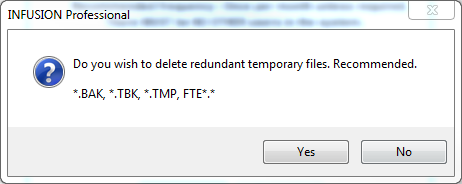
They can be: (Delete them all, they are temporary files)
fte1.dbf
fteo1.dbf etc.
Examples of Temp Files being created when the system is upgraded or a reindex is done are users see the following message:
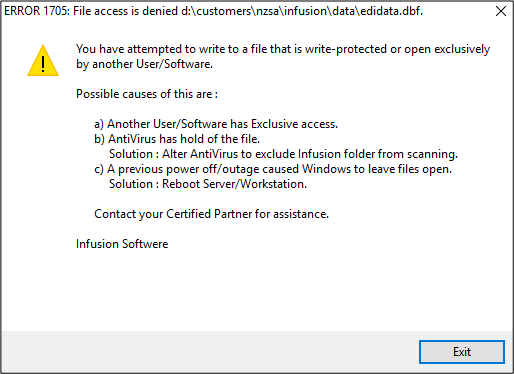
If the message is related to edidata.dbf then stop the IBS Service and reindex. Start the service when the reindex finishes.
Comments
0 comments
Please sign in to leave a comment.